Temporary Email vs Personal Email: Which Is Safer for Online Signups?
Basics of Temporary Emails
Temporary email is a service that provides a user with a single-use email address that lasts from a few minutes to a few weeks. These email addresses can be used to instead of the user's personal email to sign up for a website or service. It is designed to protect user privacy, while also preventing users from being spammed. This service is designed for users who have a focus on privacy, or who want spam-free inboxes.
Using Temporary email is a very simple process. A user chooses a temporary email provider, generates an email address, and then proceeds to register on a website. The provider will receive the emails that are sent to the temporary email, and then will retain them until the user accesses them. Many of these websites allow users to view the emails on the website, so a separate registration process is not necessary. This essentially consolidates spam emails for a service that they may not frequent.
Temporary Email versus Traditional Email
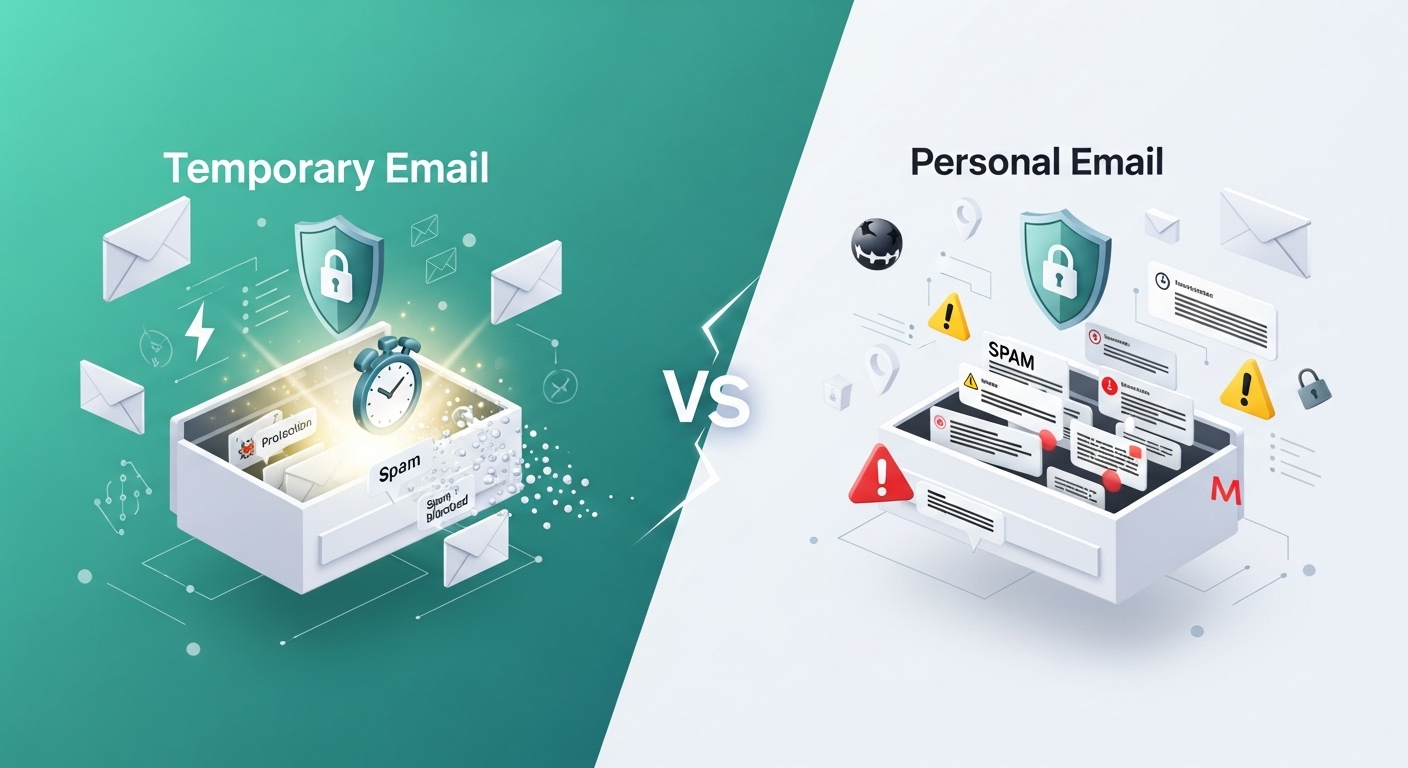
Temporary emails differ from traditional emails in regard to how they maintain anonymity, how simple they are to use, and their ability to reduce spam. Services that supply temporary emails allow users to complete projects, buy things, and register for things that do not require email-based responsiveness. While people use temporary email services, it is worth knowing what positives and negatives exist. The positives include avoiding spam and maintaining a level of privacy. The negatives, on the other hand, include the probability of losing email access to certain projects and an increased difficulty, on the user's behalf, to verify an email. Online projects and sign-ups, registrational websites, and other digital goods are less likely to allow the use of a temporary email.
Temporary emails are great for sign-ups for projects and goods. Due to the inability to guarantee access of email continuously for communication, the cessation of spam, and the protection of the user's level of privacy.
Personal Email Services
For all-personal email services, the protection of private information is of utmost importance. One of the biggest and most effective protection services is encryption. Encryption is a great way of managing the threat of unauthorized users intercepting emails. Encryption is also effective for maintaining email privacy. While many email services use encryption, certain email services use end-to-end encryption. The result of using end-to-end encryption is the communication channel being completely sealed in an email. The emails possess the ability to completely substitute for the communication channel and eliminate all third party access.
Another important security measure for personal email accounts is two-factor authentication. This is an extra step of verification that is supposed to deter thieves. With these extra step of unauthorized access, even if someone has your password, it will be hard to get in. This feature is especially important if someone frequently receives phishing emails.
Admin and premises security in personal emails systems can be further enhanced of custom made options. Users can use those options depending system settings to limit access of the information to unknown and track the usage of the information. Use of these options can help eliminate the amount of unrequested and unwanted use of information. However, use of personal emails accounts is important and can be easier, especially for systems that require creating accounts to use - it makes using the system easier, safer and more effective than it is to use the contact recovery options in case you forget or lose your access, or if you forget the system access security passwords.
That some use personal email accounts and systems directly to phishing attacks can be a disadvantage of using personal emails. It has also some security risks. Users need to learn to avoid that and be more alert for those attacks. To keep using services without fear, a more alert approach to the security of emails is more desirable.
When it Comes to Safety, How do Temporary Emails and Personal Emails Compare?
Safety is of utmost importance when it comes to emails that you use to sign up for different websites. Temporary emails give a higher sense of privacy and anonymity, but that comes with a tradeoff: they have weak data protection. These emails can help prevent spam and phishing attacks, but can trade the risk of data breaches. Temporary emails can help privacy, but they lack data protection. Data breaches do remain a risk, though how bad it is depends on the data retention policy that gets use.
There is the comfort of personal emails being secure, offers of protection of high risk emails. Consider that a personal email could be subject to high risk as well. To offer protection, danger of spam is present to personal emails.
Usability also factors into the safety of each method. Most personal email services are more user-friendly. Users of personal email services can manage their security settings. However, temporary mail services may not be as user-friendly. Such services may be frustrating to fully manage, thereby, putting users accounts at risk.
Finally, safety and privacy differ for each method. However, the real decision rests with the ability of the end user to privacy and safety versus usability as they navigate online platforms.
Online Security When Signing Up for Services
Whether users sign up for services using a personal email account or a temporary email account, there are steps users can put in place to keep their online accounts and personal information more secure. Creating a strong password is the first step in the right direction.
It is suggested to use a combination of upper case letters with lower case letter, numbers, and special characters. Personal information, such as a birthday, or first and last names, should be avoided as they may be easily accessed if someone has malicious intent.
Lastly, having well-adjusted security settings is of utmost importance. Most online services provide an additional safety barrier, which is called two-factor authentication. This process used to protect an account is a two-step verification.
Caution should be practiced while engaging in any of the emails specified during the signup process. Participants in the signup process should be mindful of the degree of their participation. Managing this type of information sharing can help prevent identity theft and can prevent the spam from being sent.
For frequent participants in the signup process, a clear understanding of the forms ‘privacy policies’ can be very helpful. Before sharing this type of private information, participants should be mindful of the way their information is going to be handled. Selecting sites and programs that value data safety and data privacy can be very helpful.
’Couple this with the monitoring for the sign ups for up to the minute odd sign up alerting. Immediate reporting of odd sign ups and transactions can help removed them and can help minimize some of the odd happenings. If participants do these form things while using their primary emails or while using the temporary emails these participants can gain their participation.