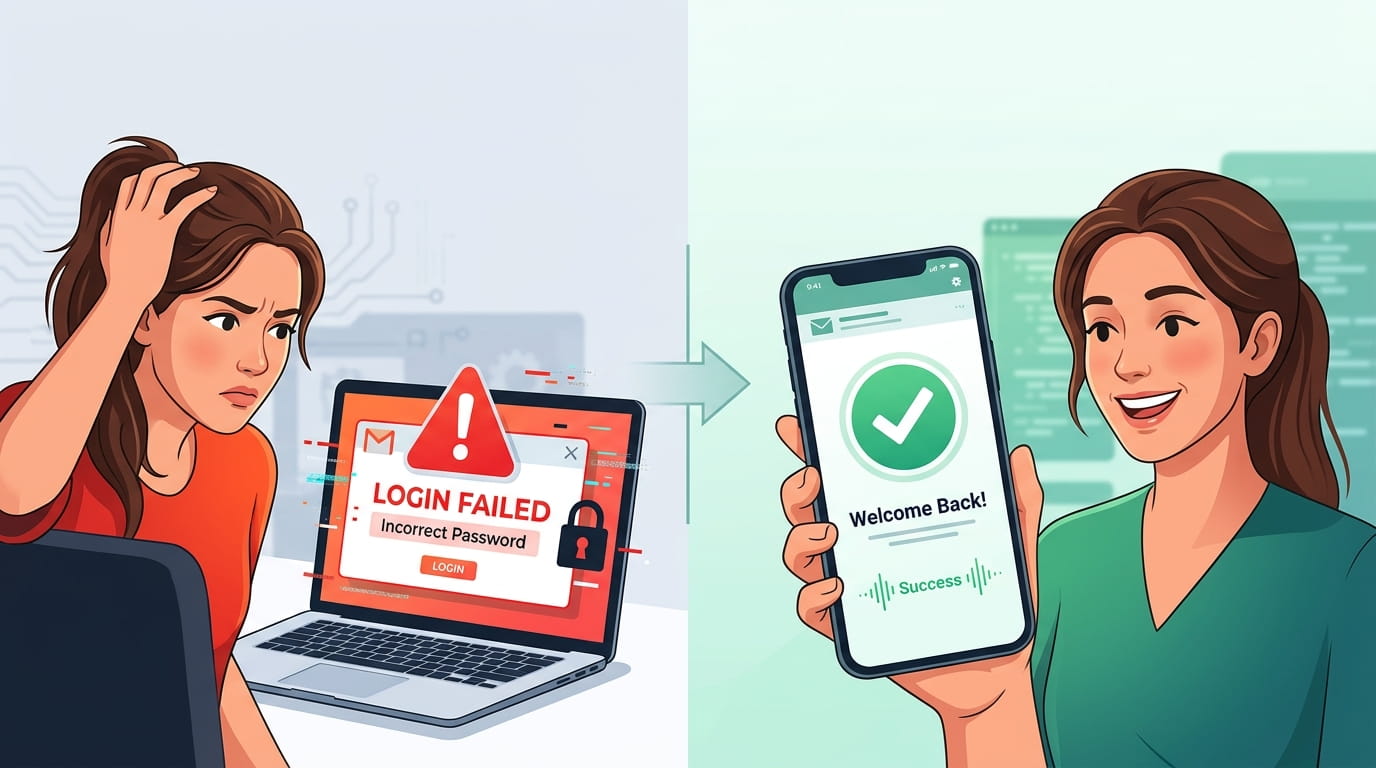
Gmail Login Problems? Fix It in 2 Minutes!
Problems Logging into Gmail
Many people have a problem logging into their Gmail account. The most common problem is forgetting a password. Remembering a password can be hard, especially if someone's caps lock is turned on. This problem is easy to fix. Just double check your password is correct before trying to log into Gmail.
Another big problem is if Google locks your account. After too many failed log in attempts, you will not be able to access your account until a certain amount of time has passed. This is a security measure Google has in place, and is useful for stopping unauthorized log in attempts. After your account has been locked, you can follow the steps Google provides for account recovery in order to be able to log into your Gmail account.
Another common issue is when your browser isn't performing properly. Using a browser that's up to date, and clearing your cache can easily solve these kind of login difficulties. If your login attempts continue to be unsuccessful, you should try using a different browser. If clearing your cache doesn't help, and you keep getting a blank page, check your cache again, and this time try logging into Gmail on a different browser.
One more reason a user could run into complications logging into their account is if they are using two-factor authentication (2FA). Users using 2FA and losing access to their recovery device would find it extremely difficult to access their account. In these cases, Google has added some recovery options to help users re-gain access to their account. Knowing some of these problems can help users provide themselves some remedies to resolve some of their Gmail sign in problems.
Resolving Issues Quickly
Knowing some of these quick resolutions can help users fix their problems with logging into their Gmail account in two minutes or less. First, you want to check and make sure you are using the right password. If you forget it, then use the password reset tool Google has set up. Checking the right password has fixed a ton of problems and can help resolve issues with you logging into your account.
The next thing you want to do is clear your cache and cookies. Having some cache can cause some problems with signing into Gmail. Clearing cache can be done from the settings of your browser. Find the place where it is in the settings and select clear cookies and caches. Clearing cache can help with some problems before they start occurring.
If clearing cache and cookies didn’t help, then try logging in using the Gmail mobile app, or an alternate web browser. Since browser-specific issues can temporarily hinder logging in, just switching web browsers can resolve the problem. Additionally, the peculiar behaviors of the desktop web browser versions can be avoided by using the mobile app.
Occasionally, logging in too many times in a row will trigger a security measure and you will be temporarily locked out. If this happens, be sure to log in again after a while. During the waiting period, you should ensure that you can easily verify your identity and recover your account in the future.
With Gmail, you can regain access to your account quickly and easily after a problem arises. You can do this by navigating through the quickly fixed steps of Gmail login problems. Tiny issues should be fixed promptly in order to enhance your Gmail experience.
It is important to keep your Account Recovery Options Up to date.
Gmail users can get blocked from their accounts due to not knowing their passwords. You can restore access to your account in a number of ways. To start, go to your account and select “Gmail login problems” then “Account Recovery.” Google helps users to authenticate their identity by providing a series of questions that are both challenging and secure.
Google will ask for personal information after you start the recovery process. You may need to enter your most recent password or select the recovery email you set up in the past. If you set up two-step verification, you will need the verification code sent to your/your recovery email, or your associated mobile number. This is to protect your account.
If you lost access to the recovery email and phone, Google has backup options. You will be able to answer the security questions or you can use the backup codes for two-step verification that you saved. Each of these steps are crucial in solving the Gmail login problems and keeping account security.
A user must be patient in the recovery process, and must not be discouraged by the first failed attempts. The process can be repeated. If the prompts are followed, recovery is possible. Each user has the abilities to access their account and avoid Gmail disruption.
When is it time to reach out for help?
Sometimes, there just isn’t a “quick fix” for a problem. Many common email problems, including login issues, can be resolved quickly just by taking some time to read some help articles or guides. However, issues can arise when the email account becomes fully inaccessible due to the account being locked due to “suspicious” login activity and additional attempts to reach the account fail. Foreign login attempts, alerts and notifications of unauthorized changes can only be addressed by putting intervention steps in place by changing your account password as outlined by Google in their guide.
Unfortunately, some accounts can be so compromised that they become irretrievable, and standard steps fail to recover the account. In these cases, Google needs to be involved. To secure your account from being used in illicit activities, a hacked Google account can be reported to the support staff. New spontaneous changes to a compromised Google account can be reported to Google, so be sure to include as many changes as you can and to reach out to be the first.
If you are constantly facing login issues (for example, you are being prompted to enter the password repeatedly), you have taken all the basic troubleshooting steps and still are not able to fix the issues, it is time to reach out for help. If you have taken the account retrieval steps and have still failed to retrieve the account, then your problem is relatively more complex (and complex problems require Google support).
Before contacting support, collect the information that you are going to provide. This includes your account email and the device and provide context. Such information increases the effectiveness of support and helps you solve your Gmail login issue faster. Any error messages that you received while you attempted to login should also be documented.