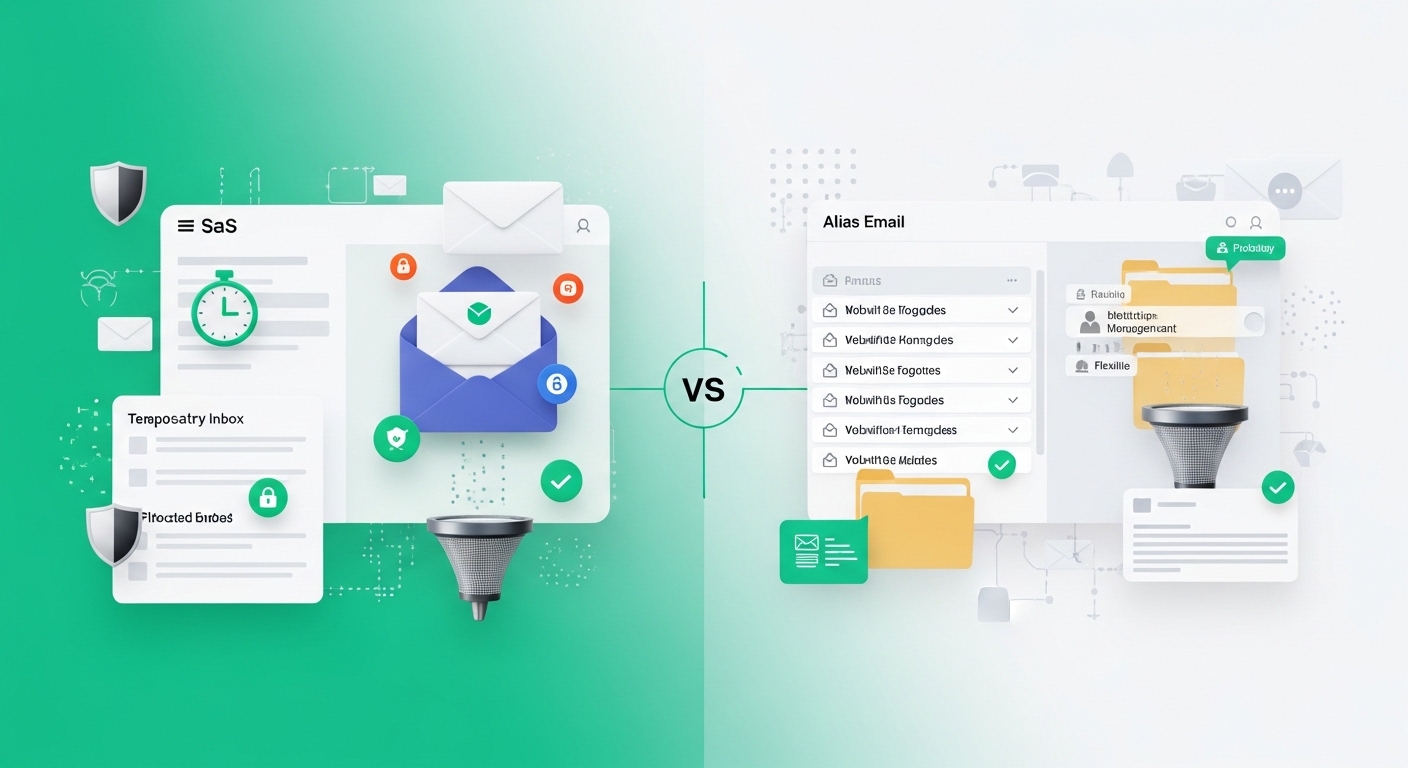
Temp Mail vs Gmail Alias: Which One Should You Choose?
What is Temp Mail?
Temp Mail is one of many temporary email address services. The goal of a temporary email address is to let you receive emails, but without potentially compromising your email account. They use short-term email address that can be deactivated automatically after a few minutes, or after a few weeks, or at any length of time in between.
Temp mail typically allows users to write and receive emails temporally. They are especially useful when users want to sign up for services that need email confirmation or verifications. In many cases, they require very little information to be created so they can be made in seconds. Temp Mail also effectively erases digital data. After the time frame is up, the address is closed and anything sent to it will be deleted.
Using Temp Mail can be especially useful to users who want to avoid unwanted emails. Even when considering the 'temp mail' emails, they still help avoid the inevitable barrage of spam that comes in after most sign-ups or confirmations. Most of the unwanted emails that come with sign-ups can still be negotiated or removed quickly. Temp Mail helps by offering a more efficient tool for confirmation. Temp Mail also helps avoid spam and unwanted communication.
Temporary email addresses have several major drawbacks. First, the email addresses expire. So, if you're signing up for a service, you won't be able to access the email for service updates. This can also cause security issues, as these services are often not protected after their initial use. This makes the email address susceptible to being stolen. They can also be blocked on a lot of different sites. Lastly, you can't send your own email, and after the email address expires, you can't access the inbox either.
What is a Gmail Alias?
A Gmail alias is creating a second email for yourself within your Gmail account. You can send and receive emails to this address while still using your main account. Gmail allows this because you can modify emails you send. This is so you can more easily manage emails how you want. An example of this would be [email protected] instead of [email protected]. You can alsow use + and Gmail won't treat two addresses like different emails. This makes your main email not be your only email. Additionally, you can also use periods to modify your main email like [email protected] or [email protected]. Gmail ignores periods in emails, so it'll send the email to whoever.
Gmail aliases allow for personalized email management and organization. Using aliases, users can efficiently create different sections for emails according to the sender. This makes searching and filtering emails for important messages a much easier task. For services and newsletters that users wish to sign up for, they may allocate a different alias for each of the subscriptions to better manage their subscriptions. This is also a good way to manage spam because email users can disable the alias whenever they stop receiving emails from that sender.
Gmail aliases also provide an extra layer of protection to the users. It is much easier for users to create and also delete aliases instead of having each person sign up for services with their Gmail, which can be risky to expose. Besides the security and organization benefits of aliases, they also have their disadvantages. The most prominent of the disadvantages is the unrecognition by different services. Not all services can identify the sign up with an alias which can be a blocker in signing up for services. This also requires a much higher time investment in managing the aliases.
Gmail Alias and Temp Mail compared to each other are very different alternatives of communication that are much better for personalization and management in email communication.
Security: Using Temp Mail means that your official email will be more private and will be much safer from phishing and spam attacks. If you have a temporary email, you will lose this temporary email, as, in this case, Temp Mail is not offering the temporary email the long-term protection and security of a Gmail Alias. Gmail Alias provides the security of Gmail's system, which is two step verification and a spam filter.
Usability: temp mail is incredibly simple, as the goal of this site is to send you an email that only lets you make a usable email that will expire. A simple tool for a service that requires an email verification, but it doesn't have many of the useful features. Meanwhile, Gmail Alias is for creating many email aliases in a single Gmail account which allows things like better organization of GMail, which email searching and sorting.
Permanence: Temp Mail only lets you see an email for so long, which is good for certain things, but could be bad for other use cases. If you want email retention and organization, Gmail Alias is the way to go.
Temp Mail is great for maintaining anonymity and has the extra feature of not cluttering the inbox. However, for those wanting a more traditional email experience that includes a calendar and a document service, Gmail Alias is a good option. Gmail Alias allows the creation of aliases for various needs allowing effective management of personal and work email.
Both options have pros and cons based on the user needs and therefore have a specific scenario for use. Temp Mail is great for short term anonymous email, and Gmail Alias is better for longer-term, more structured anonymous email.
Factors for Choosing a Service
What it comes down to, is the user needs when selecting Temp Mail and Gmail Alias. Each has its pros and cons and can greatly improve the email management for those utilizing them.
For the user of both Temp Mail and Gmail Alias, quickly privacy will become a factor when considering either of these options. Temp Mail is the better solution for maintaining a better level of privacy. The service allows for the creation of email addresses that will expire shortly and will not clutter the inbox of the email used to signup. Contrary to this, for Gmail Alias, communication will be more orderly but may lack some of the privacy. Those who may have a greater concern for maintaining a more structured order will lean towards Gmail Alias out along with the regular email service.
Email use should also be considered when choosing a service. For people who like to sign up and use many websites but don’t want a cluttered email box, maybe temporarily using a service like Temp Mail is best as it also blocks marketing emails to your main email. Alternatively, If you have tasks at a job that require reliable communication and a constant email, or have a system of Gmail Alias, that may work best for you.
When considering a preferred email service, think of your email usage in the real world. Take a developer and a marketer, for example. For testing services while signing up for many emails, they may appreciate a service like Temp Mail for easy sign-up. A business professional may be appreciative of a Gmail Alias for managing separate communications for different projects or inquiries, while still maintaining the same email address.
There is no right or wrong choice for Temp Mail or Gmail Alias, as it will ultimately depend on your situation and needs. Depending on your email style, your choice may be your best option.